

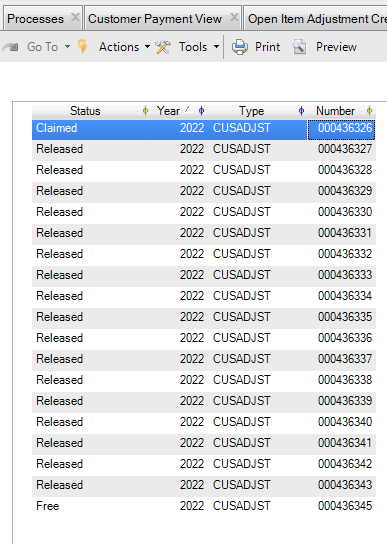
First, find out Journal ID associated with the Daybook.
for each journal where journalcode = "CUSADJST":

display journal_id.
Then, find the last sequence used for that Daybook and Year.
find last posting where postingyear = 2022 and journal_id = 00000430293.

display postingvouche.
Finally, update the sequence if the numbers skipped to a difference sequence altogether.
for each company where companycode = "ent002a",

each numbr of company where numbryear = 2022 and numbrtype = "cusadjst" :

update numbr.numbr numbrstatus.
Reopen Open Item Adjustment and try to create again. Before saving note the voucher number generated by the system and check if that is what you want.